

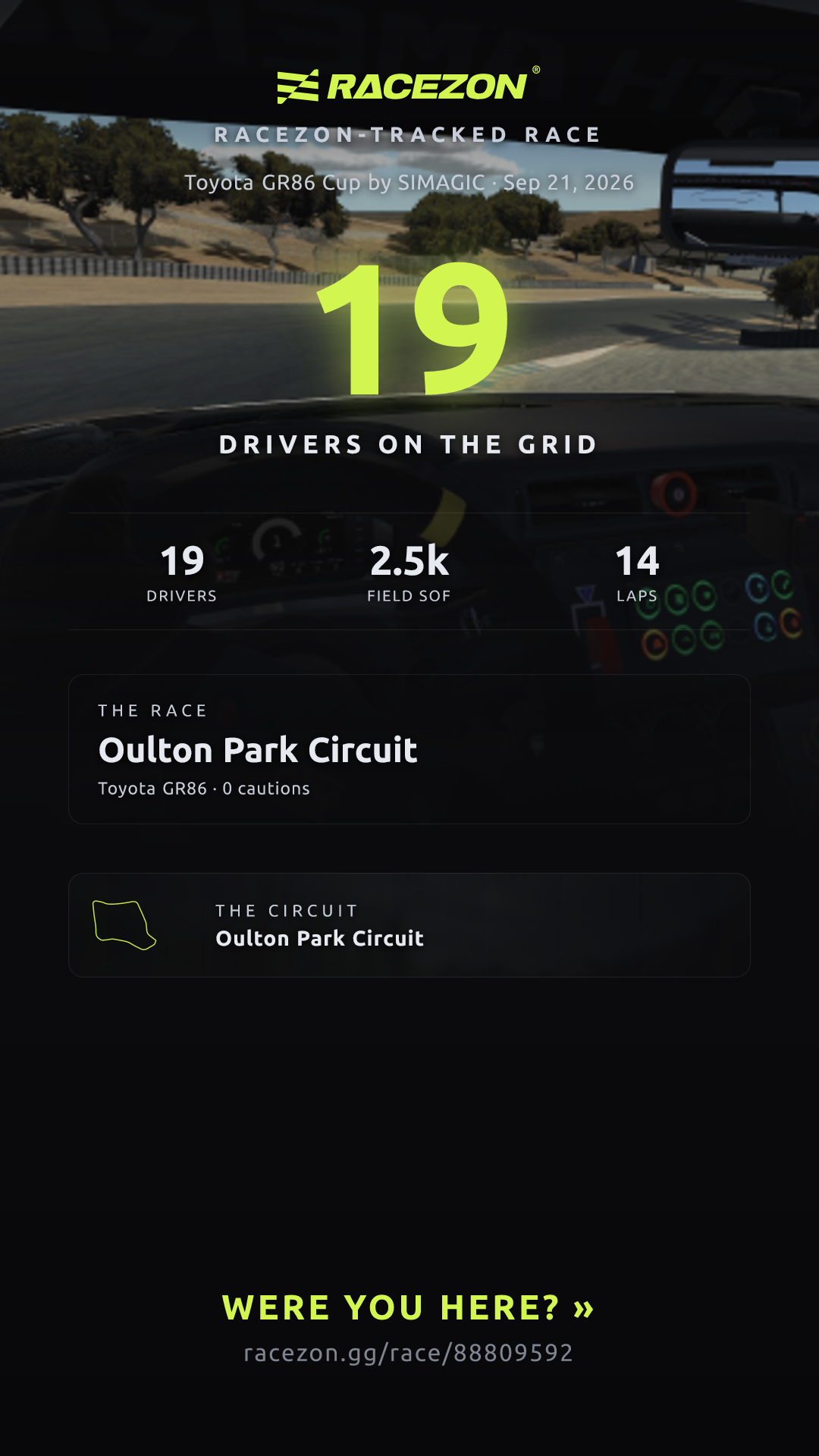
 Sports CarToyota GR86 Cup by SIMAGIC
Your driver page · switched on by you
Your driver page exists.
You're the one who turns it on.
Claim it with your iRacing Customer ID and it lights up: pace, safety, wins, rivals, and how the paddock reads your incidents. You choose what goes public — and you can switch it off any time.
Where's my ID? It's on iracing.com under Account — and on your license in the sim.
iRacing purchase decision
Race more in iRacing.
Buy less content.
Match the official schedule with cars and tracks you have used. Racezon shows when to buy, when to wait and where you can race without spending.
Official scheduleYour known contentFree · no account
Before opening the cart
One decision with the cost explained
- Race without spendingWeeks already covered by what you own$0
- BuyWhen content unlocks useful weeksMinimum spend
- Wait or avoidFinal week, weak gain or over budgetNo guesswork
Your inventory never becomes public. History only prefills content Racezon already saw you use.
Your record does the talking
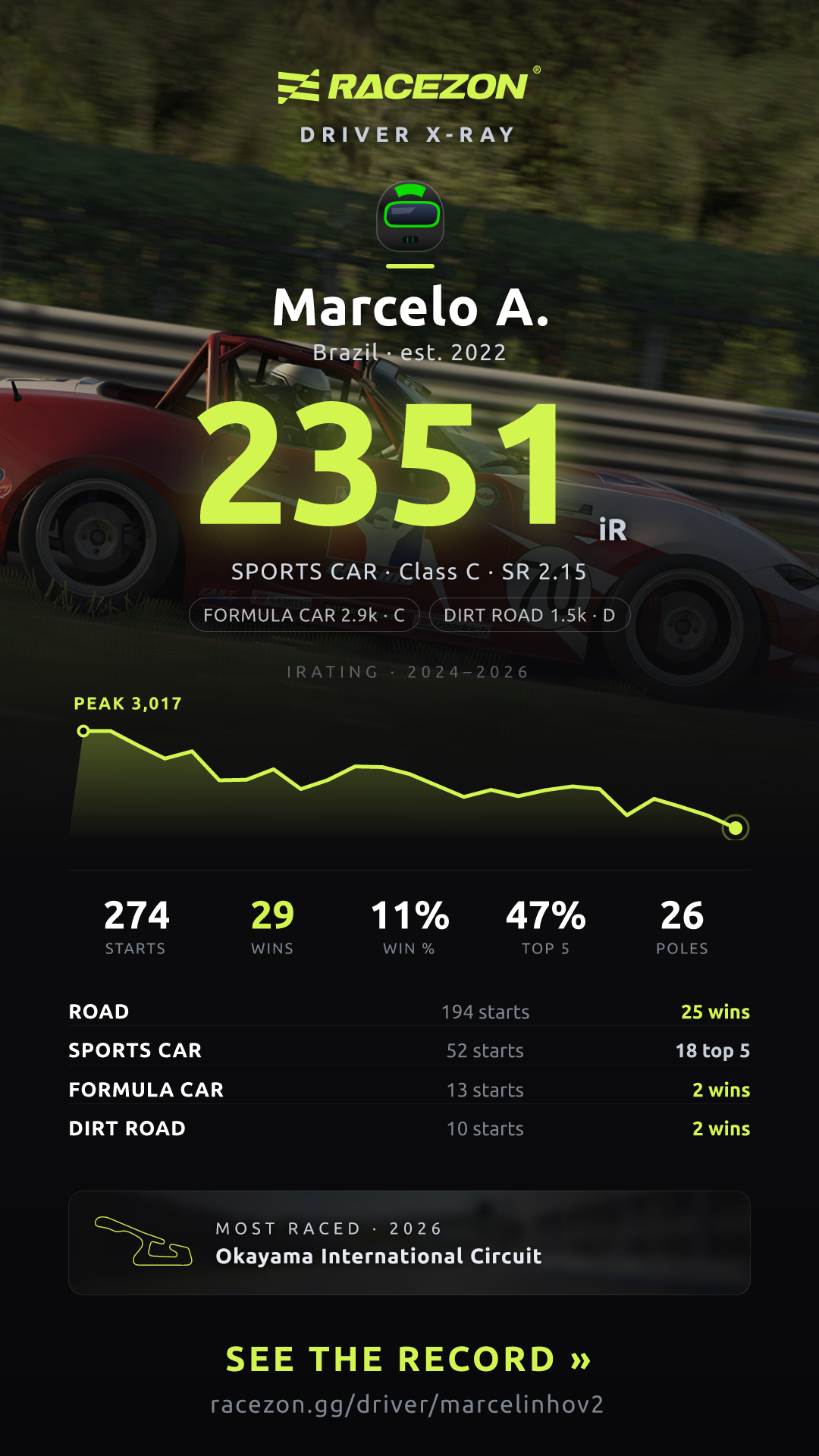
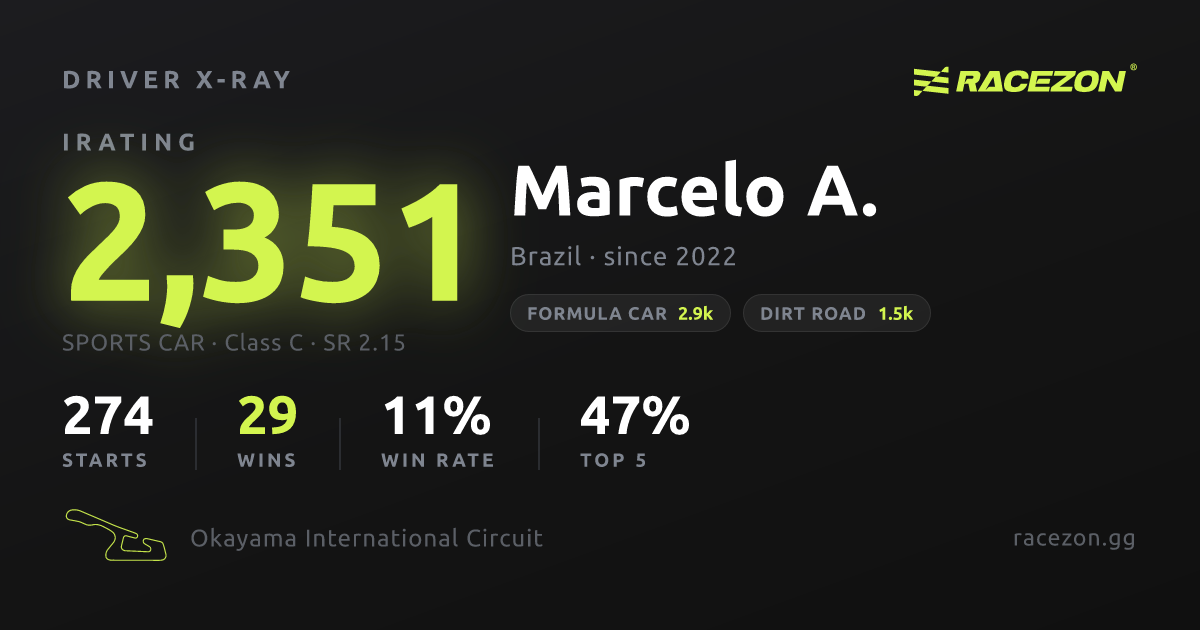
A public driver page you control — pace, safety, wins and rivalries, live and shareable.
Every number comes from your own races — a record you can't buy, only earn.
Head-to-head
Every rivalry has a scoreboard.
Yours starts when you switch on.
Claim your page and Racezon finds your most-raced rivals automatically — win/loss record, track by track. Then share the card where your rival will see it.
Claim your pageRACEZONExample
Ayrton D.5,210 iR
5—3
Demo D.4,820 iR
WLWW
Last 4 meetings
Example of what your rival sees.
Race radar
What's racing now, across every discipline.
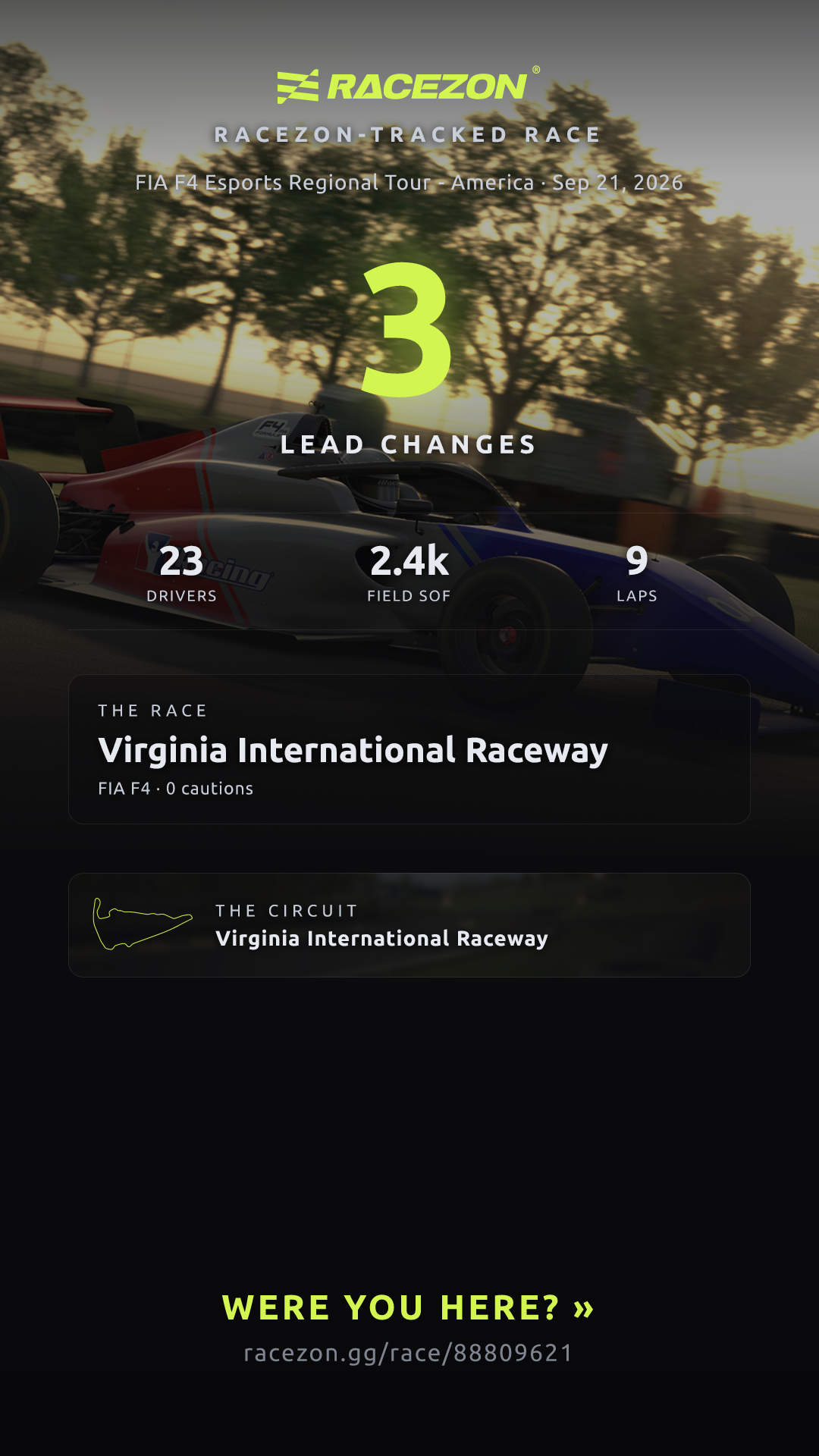
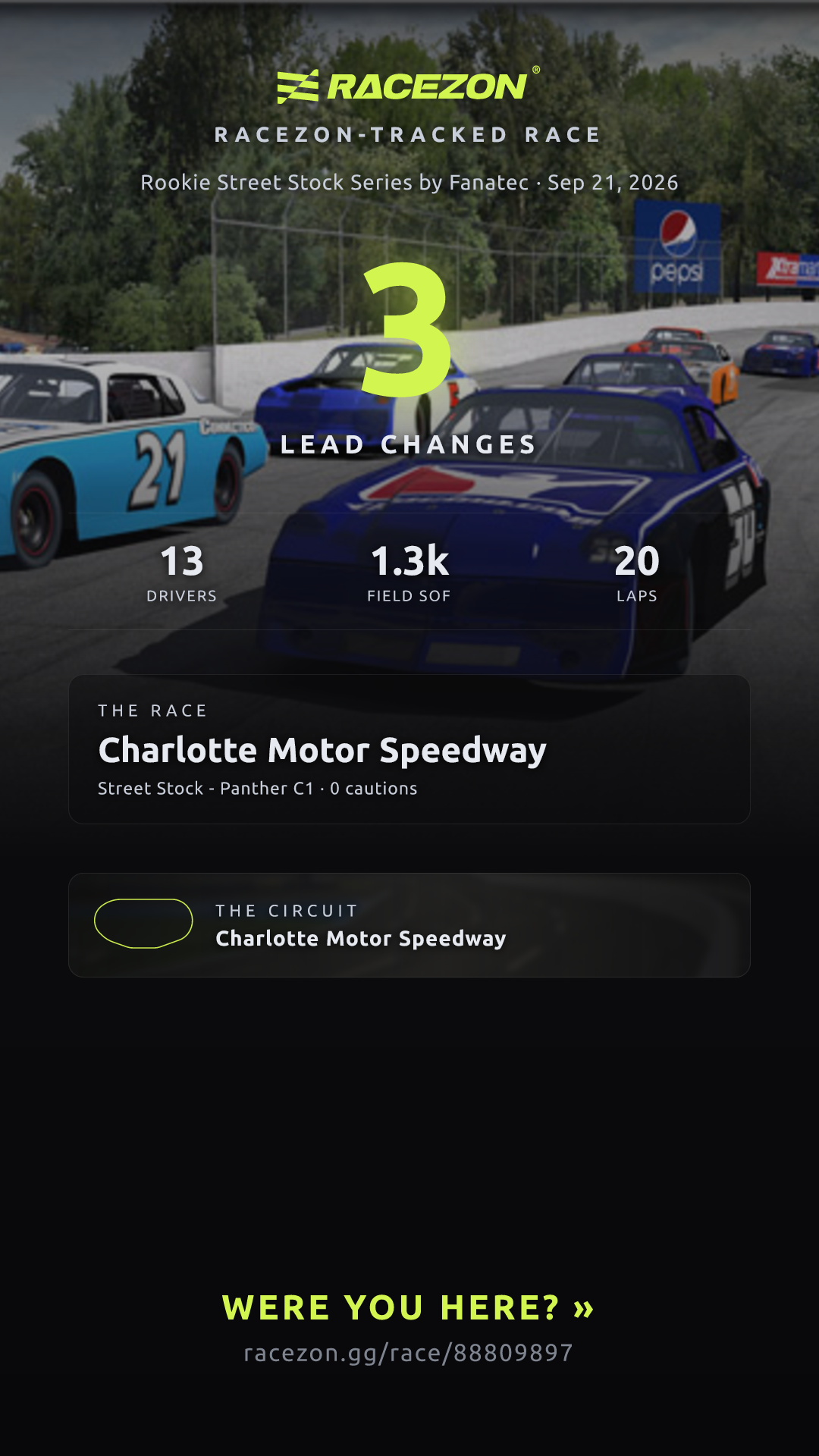
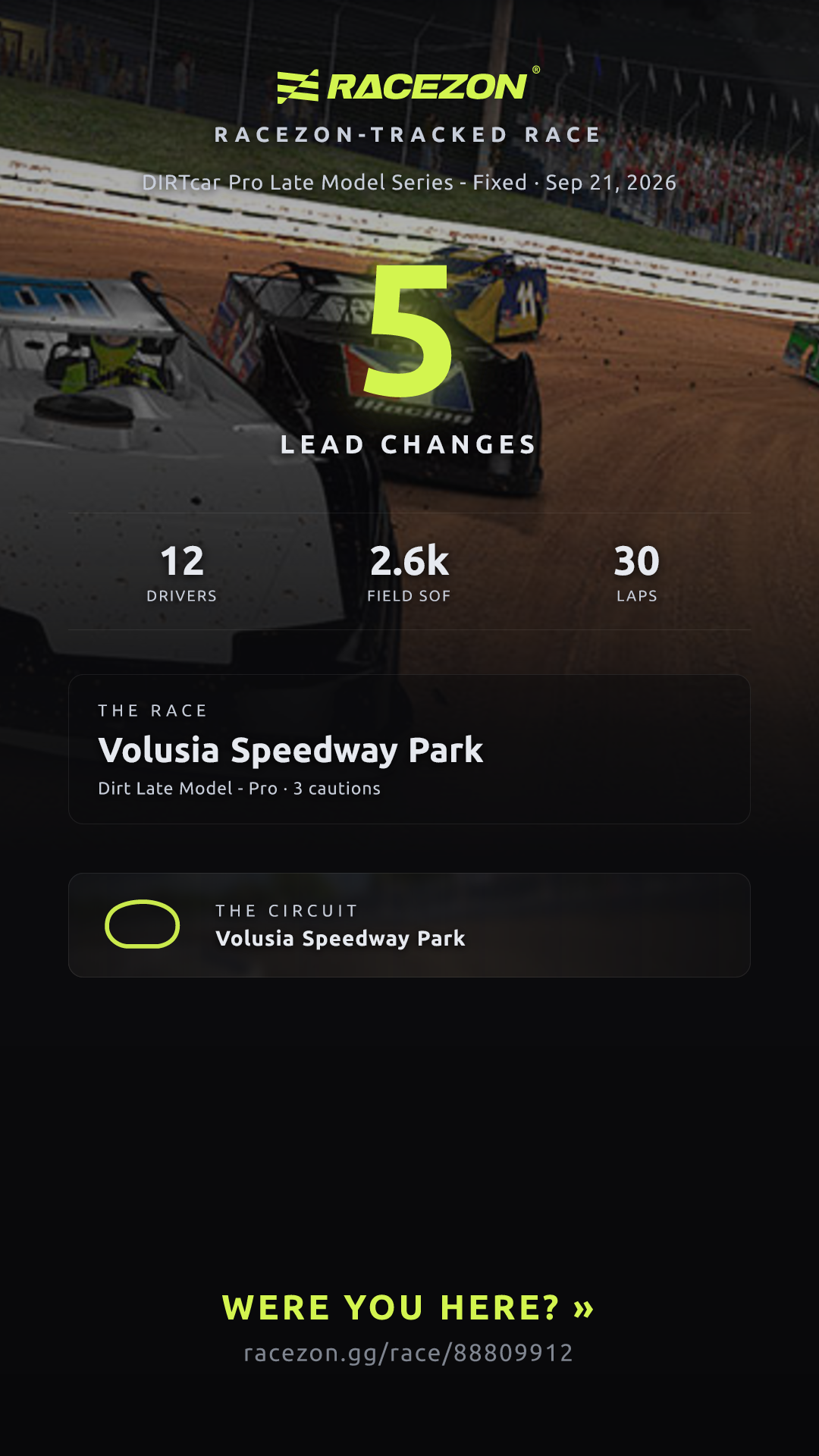
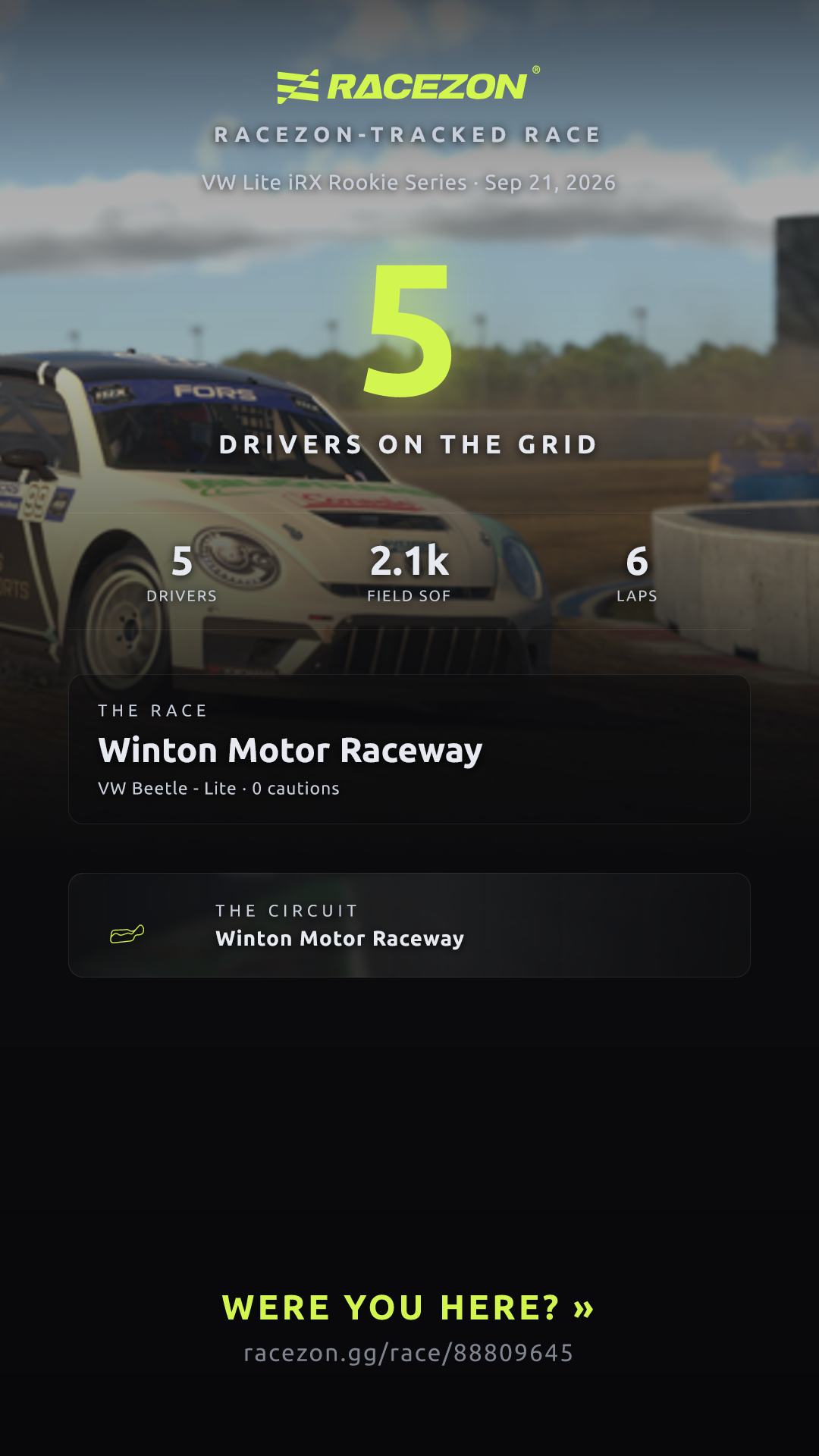
Racezon checks every official iRacing series every 15 minutes, then surfaces the newest qualifying result from Sports Car, Formula, Oval, Dirt Oval and Dirt Road. No category gets buried by a busier schedule.
Communities
Leagues get pages too.
Racezon builds league pages from the hosted sessions its drivers run. These are the first on the grid — claim your page and yours starts taking shape.
How claiming works
Nobody sees your page until you say so.
Three steps, two minutes.
Find your page
Paste your iRacing Customer ID. It's the one number only you and iRacing need to know.
Claim it
Sign up with your iRacing Customer ID. Two minutes, free.
Switch it on
Your history, your rivals and your share cards go live — and keep up with every race you run. Switch it off whenever you like.
Claim your page
Wrong person claimed your page? Claims are reversible — report it from the page.